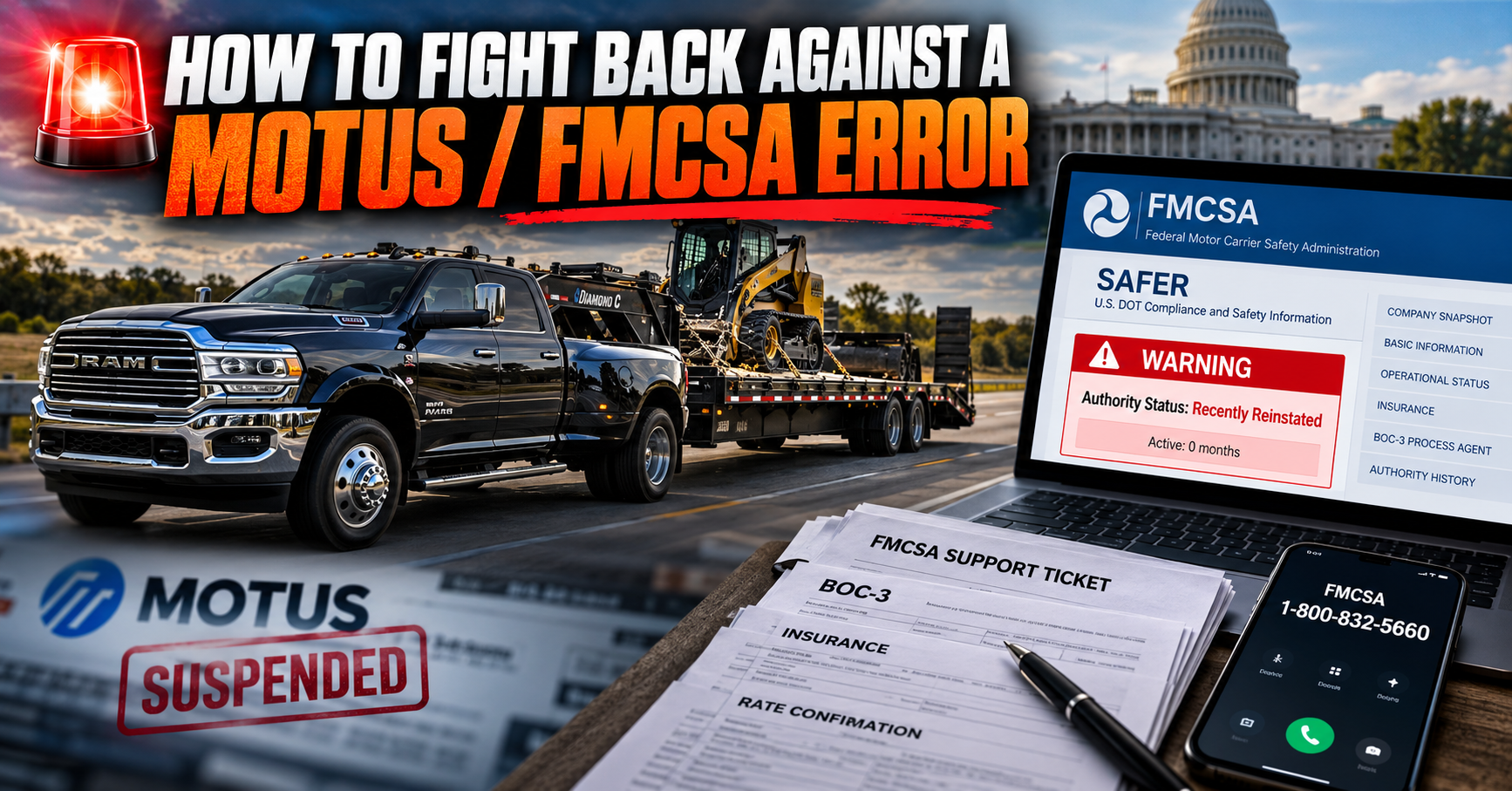
If MOTUS has caused an incorrect suspension, registration problem, or suddenly made your established operating authority appear new or recently reinstated, don’t just accept what the computer says.
We recently went through this ourselves with TexLink Logistics. Our authority was active and authorized, but because of a MOTUS/BOC-3 issue, broker-vetting systems began treating our longstanding authority as though it were brand new. We started getting turned down for loads.
We fought it, documented it, escalated it—and FMCSA ultimately corrected our authority history.
Here’s the process we used.
1. FILE AN FMCSA SUPPORT TICKET
Clearly explain what is wrong and what the record should show.
Be specific. Include dates, your USDOT and MC numbers, what happened, and when you first noticed the problem.
2. BUILD YOUR EVIDENCE
Don’t just tell FMCSA there’s a problem. Prove it.
Upload anything that supports your case: screenshots, previous FMCSA records, BOC-3 documentation, insurance filings, receipts, emails, filing confirmations, statements from your compliance company or process agent, and screenshots showing what brokers or carrier-vetting systems are seeing.
3. SAVE EVERY CASE AND INCIDENT NUMBER
Every time FMCSA gives you an incident or case number, write it down and keep it.
You will need those numbers when you call back, submit additional documentation, and ask for escalation.
4. FOLLOW UP WITH FMCSA
 FMCSA Registration Customer Service: 1-800-832-5660
Don’t just submit a ticket and wait.
Call. Give them your existing case number. Ask whether your documents have been received and ask for the status of the case.
Don’t keep opening duplicate tickets for the same problem. Work the case you already have.
5. IF IT’S COSTING YOU MONEY, SAY “FINANCIAL HARDSHIP”
This was very important in our case. If brokers are turning you down, you’re losing loads, or the incorrect record is interfering with your ability to operate, tell FMCSA exactly that:
“This MOTUS error is causing financial hardship to our company. Brokers are rejecting us because the incorrect FMCSA history makes our established authority appear newly activated or recently reinstated.”
Once the financial hardship was documented in our case, FMCSA escalated the matter to a Supervisor Corrective Action case.
6. ASK FOR SUPERVISOR/CORRECTIVE REVIEW
If regular support isn’t getting the problem resolved, ask:
“Because this error is causing financial hardship to our company, can this case be escalated for supervisor corrective review?”
Don’t assume somebody will automatically escalate it. Ask.
7. SET UP AN AUTHORITY WATCH
This was another important part of what we did.
We used AI to regularly monitor our FMCSA/SAFER status and multiple broker-facing carrier-vetting databases.
We weren’t just checking whether our MC was active. We monitored:
Operating authority • USDOT status • Insurance • BOC-3/process-agent information • Suspension/reinstatement history • Authority age • “New Carrier” flags • “Recently Reinstated” flags • Conflicting information between databases
In our case, one carrier-vetting system was showing “Active 0 months” and “Recently Reinstated,” while other records recognized years of operating history. That discrepancy became evidence.
We documented those differences and used the same information in the material we presented to FMCSA.
8. DOCUMENT EVERYTHING UNTIL IT’S FIXED
Keep a folder.
Save your screenshots, case numbers, receipts, emails, statements, FMCSA correspondence, dates of phone calls and broker rejections.
And continue monitoring after FMCSA tells you the correction has been made. The federal record may be corrected before the broker-vetting companies receive and update the new information.
 DC TIP: BUILD A CASE — NOT JUST A COMPLAINT
Calling FMCSA and saying “MOTUS screwed up my authority” isn’t enough.
Show them:
What happened.
When it happened.
What the record should show.
What your documents prove.
What the broker-vetting systems are reporting.
And what financial hardship the error is causing your company.
That’s essentially what we did.
Support ticket → Evidence → Case numbers → Follow-up → Financial hardship → Supervisor escalation → Authority monitoring → Correction.
NEED HELP WORKING THROUGH IT?
I realize not every owner-operator has the time to monitor databases, organize documentation, make repeated calls and figure out what needs to be submitted.
Hotshot-USA works with Ingenious Compliance, a compliance service that can assist carriers with working through FMCSA/MOTUS issues, organizing the documentation and taking the proper steps toward getting problems corrected.
The biggest lesson from our experience:
DON’T ASSUME THE SYSTEM WILL FIX ITSELF.
DOCUMENT IT. REPORT IT. FOLLOW UP. ESCALATE IT.
Hopefully what we learned fighting our own MOTUS problem saves another carrier some time, money and aggravation.
— DC
Hotshot-USA Resource Network
A network for drivers, built by drivers.

ADVERTISEMENT